Synced or free
14 note values, ping-pong, and feedback that stays stable at 90%.
New · Visualize turns your track into video
A glitch and texture effect, quick mastering, a visualizer that exports video, and soon a plugin that posts your beats to YouTube. Small, focused, and priced like a pack of strings.
VST3 · AU · macOS + Windows
The lineup
01 · Effect · $39
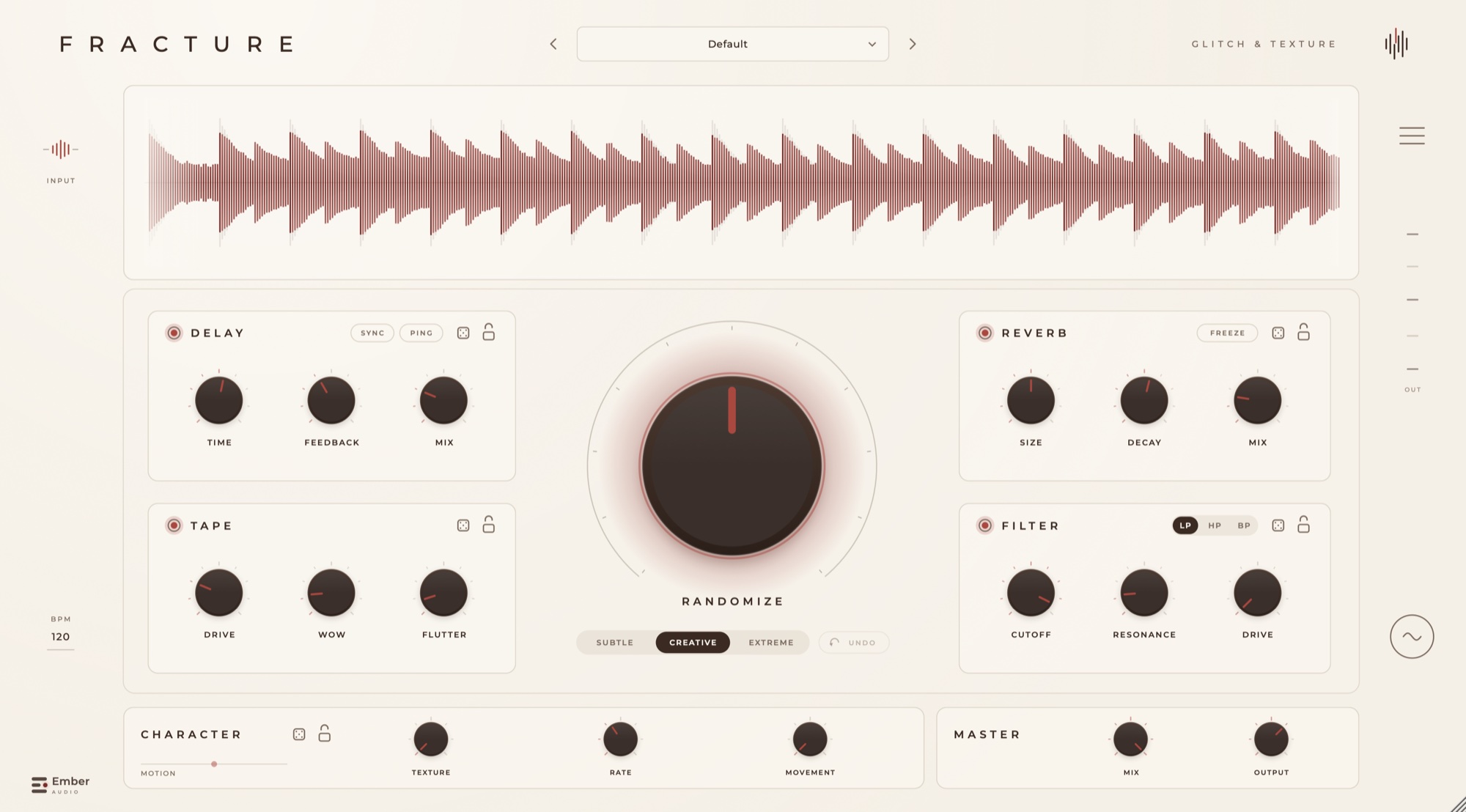
Glitch, tape and texture in one chain.
Put it on a guitar, a vocal or a drum bus and run it through delay, tape, texture, reverb and a filter. Hit Randomize until something good falls out, lock what you like, roll the rest.
Space
Dreamy Guitar
14 note values, ping-pong, and feedback that stays stable at 90%.
Saturation with slow wow and fast flutter, like a worn deck.
Bit-crush, hiss and crackle that follow your input.
Hold a tail forever while new audio passes through.
02 · Mastering · $19
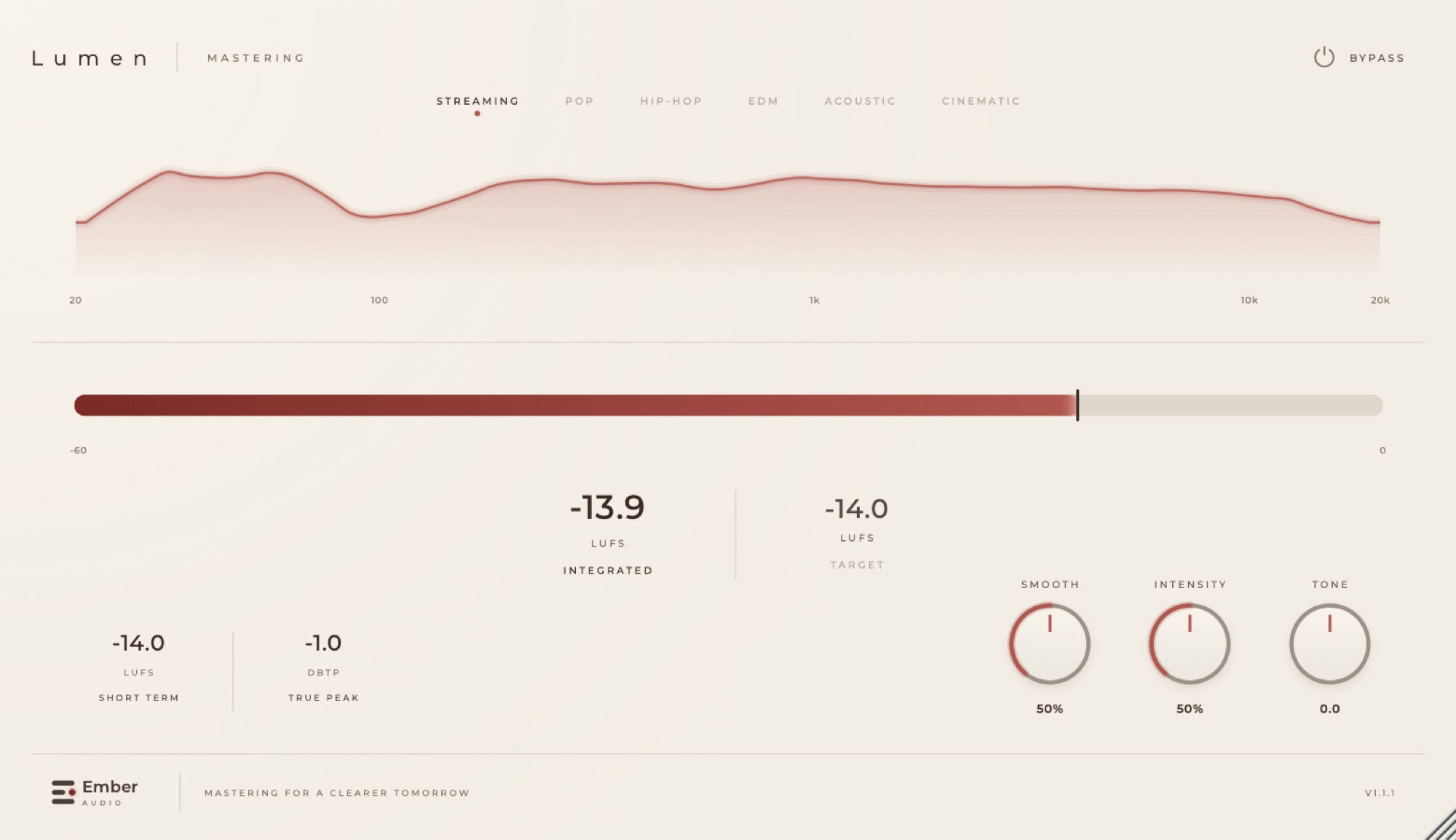
Pick a target. Three knobs. Done.
Choose Streaming, Pop, Hip-Hop, EDM, Acoustic or Cinematic. Lumen measures your mix like a broadcast meter and moves it to the target without going past −1 dBTP. Intensity, Tone, and a new Smooth knob that calms harsh spots.
03 · Video · $9 New
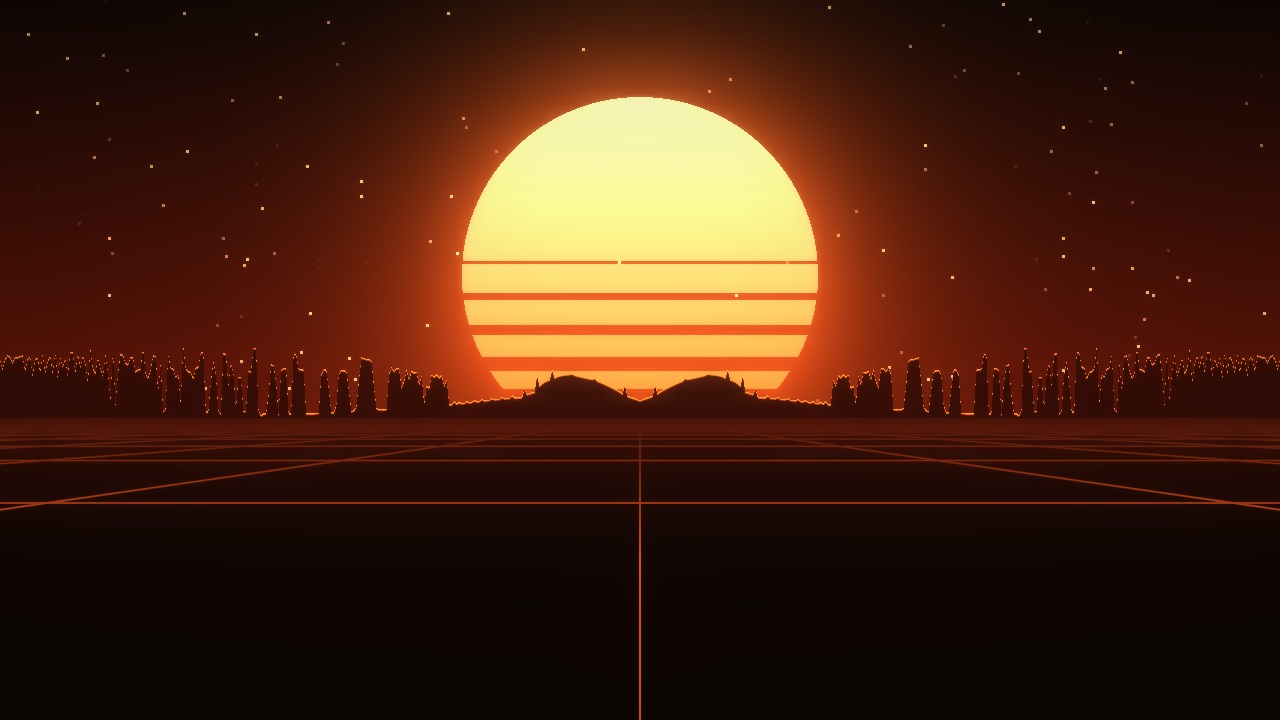
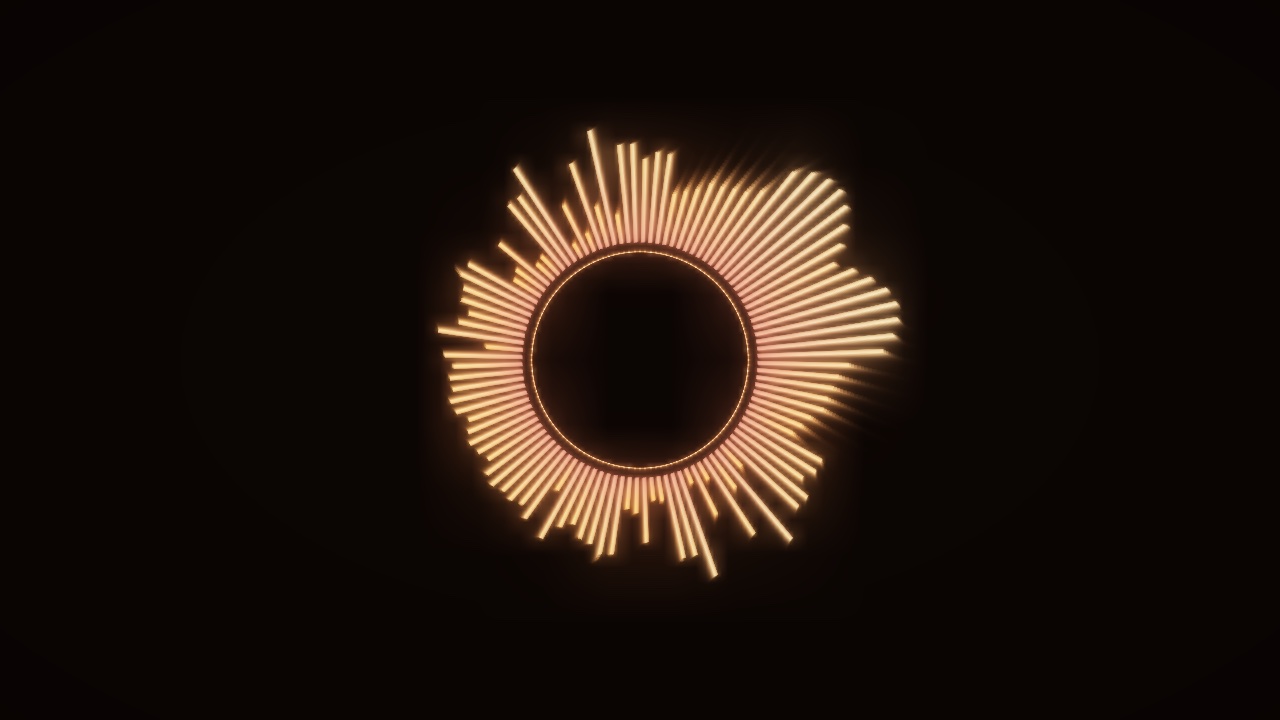
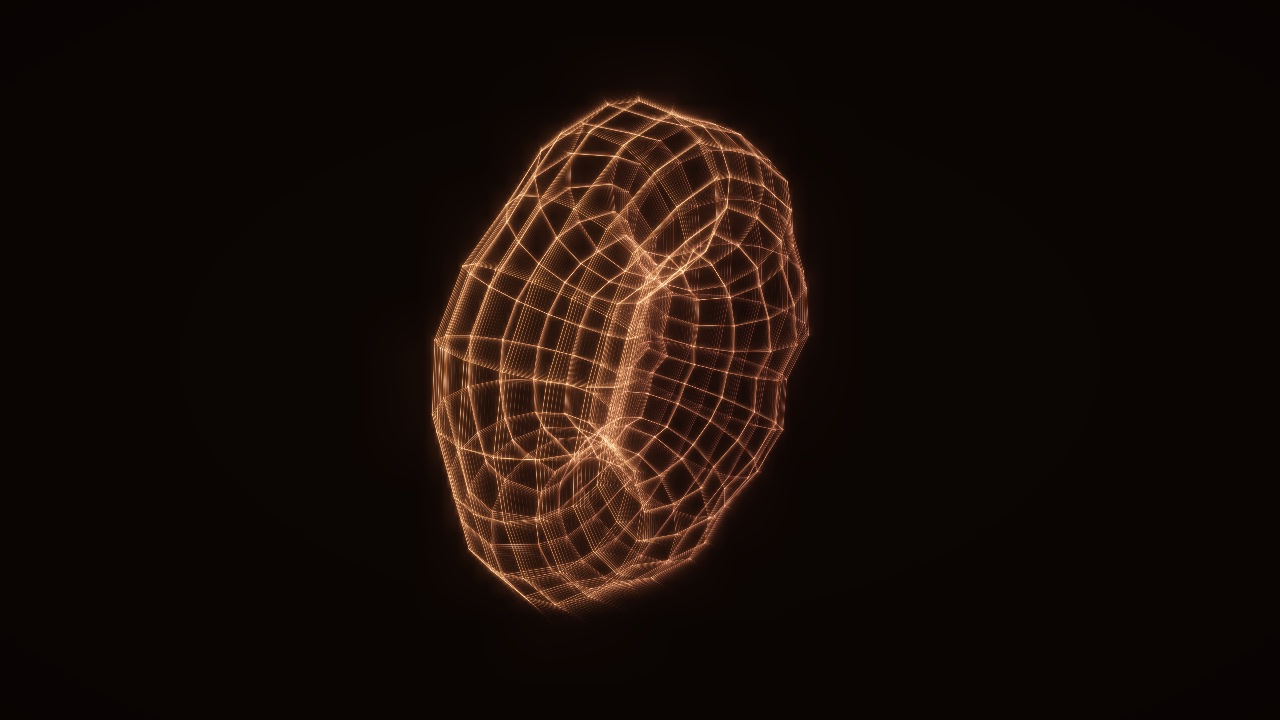
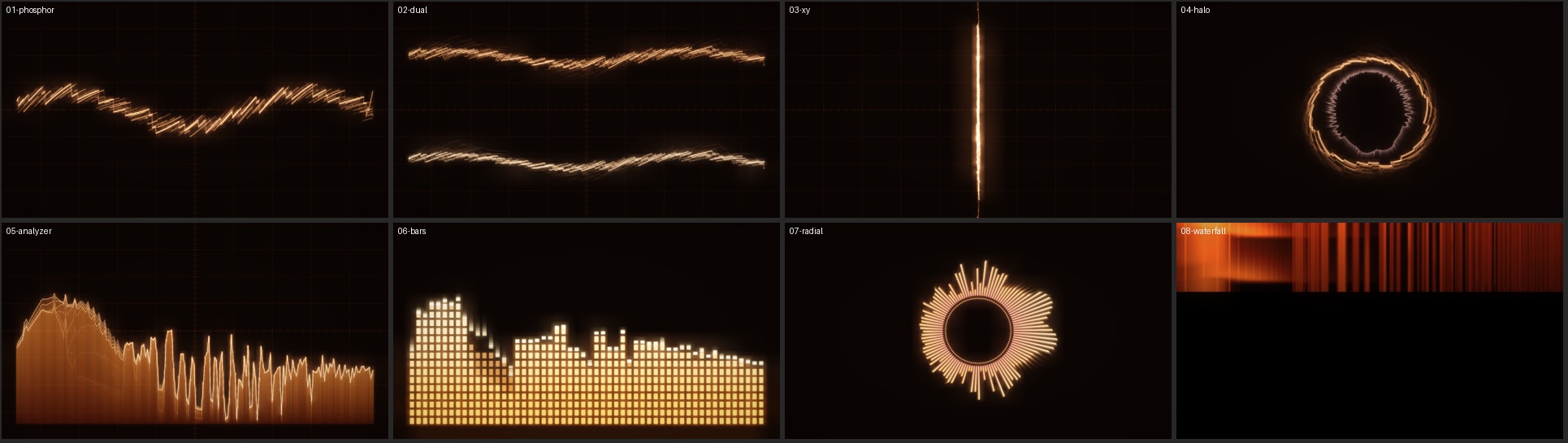
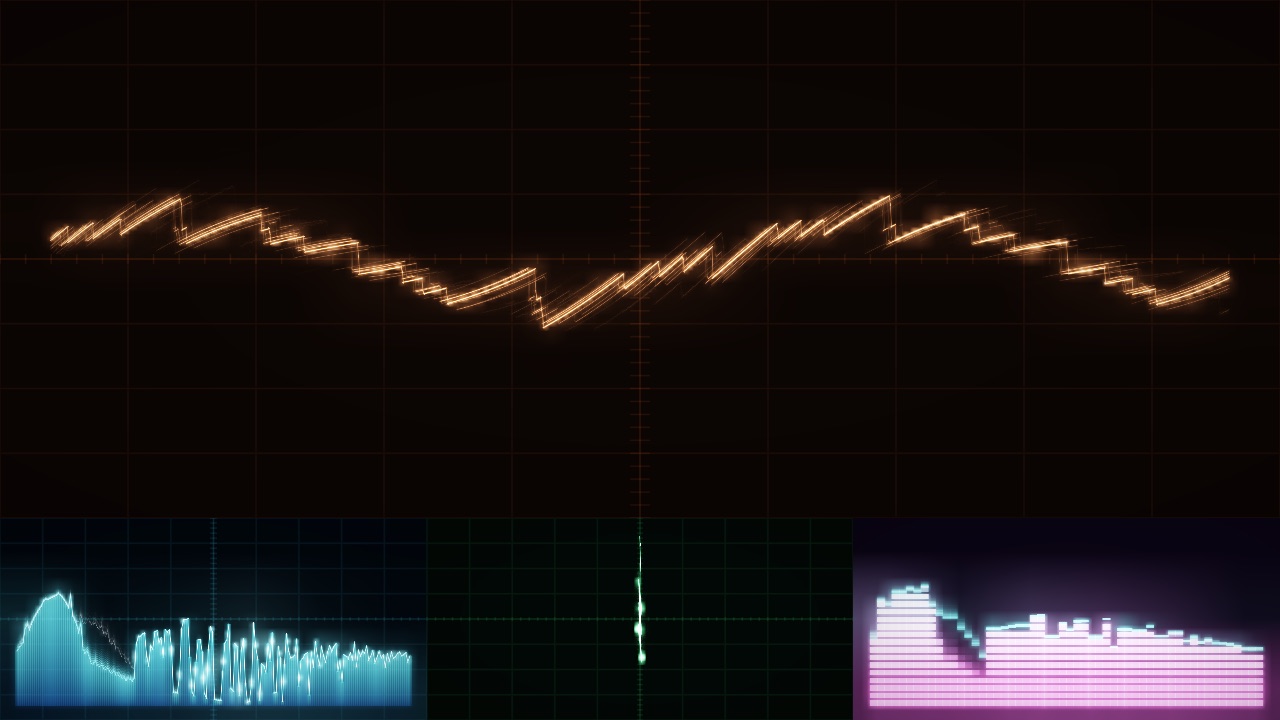
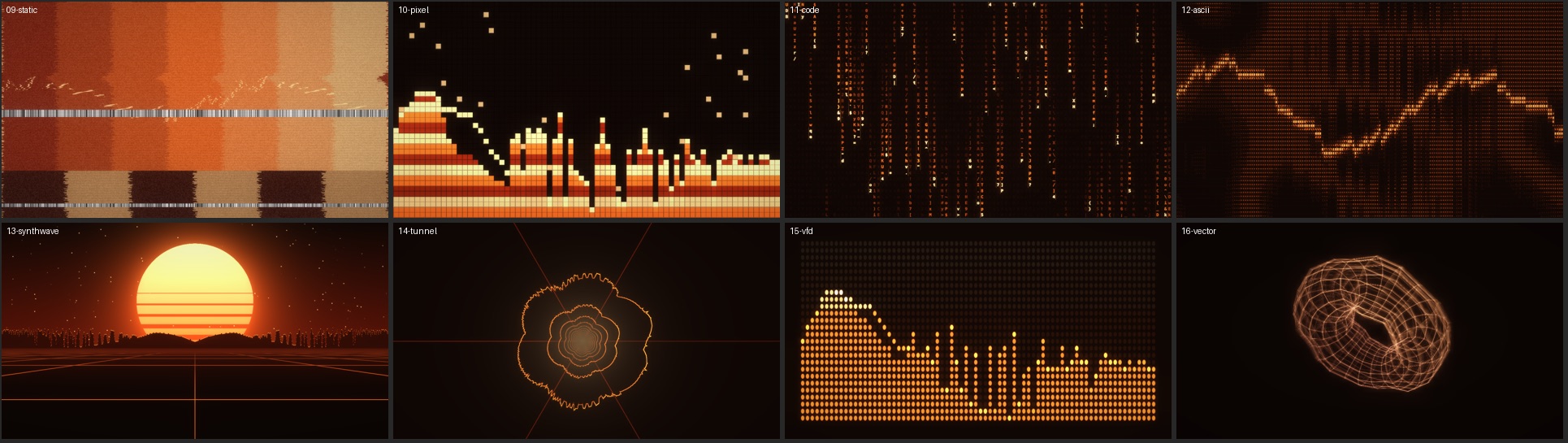
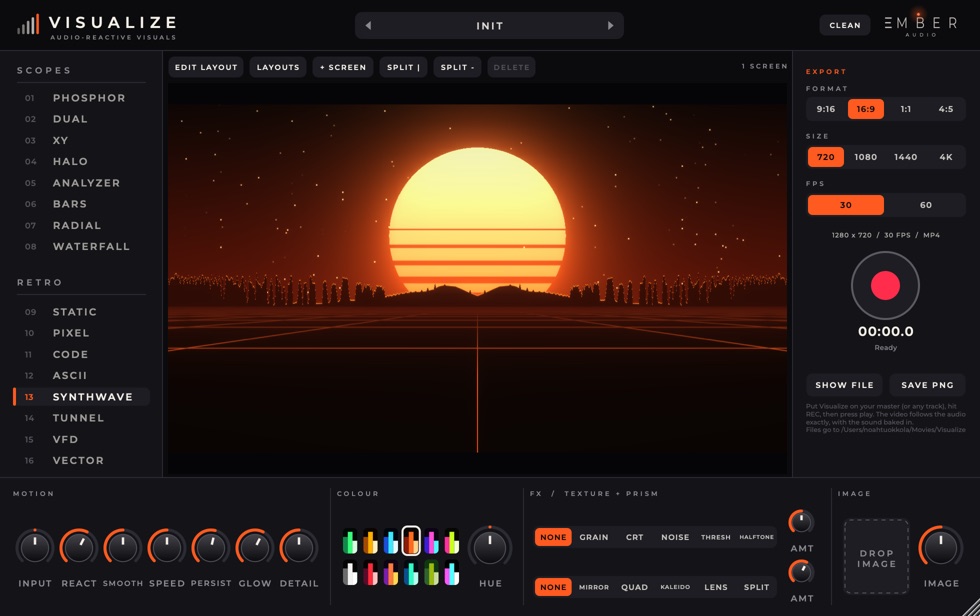
Put Visualize on your master and it draws the track: oscilloscopes, spectrum bars, a synthwave sun, falling code, a vector tunnel. Run up to 16 screens at once.
Hit REC, press play, and get an MP4 with your audio in it at 9:16, 16:9, 1:1 or 4:5, up to 4K. $9 on its own, free in the Studio Kit.
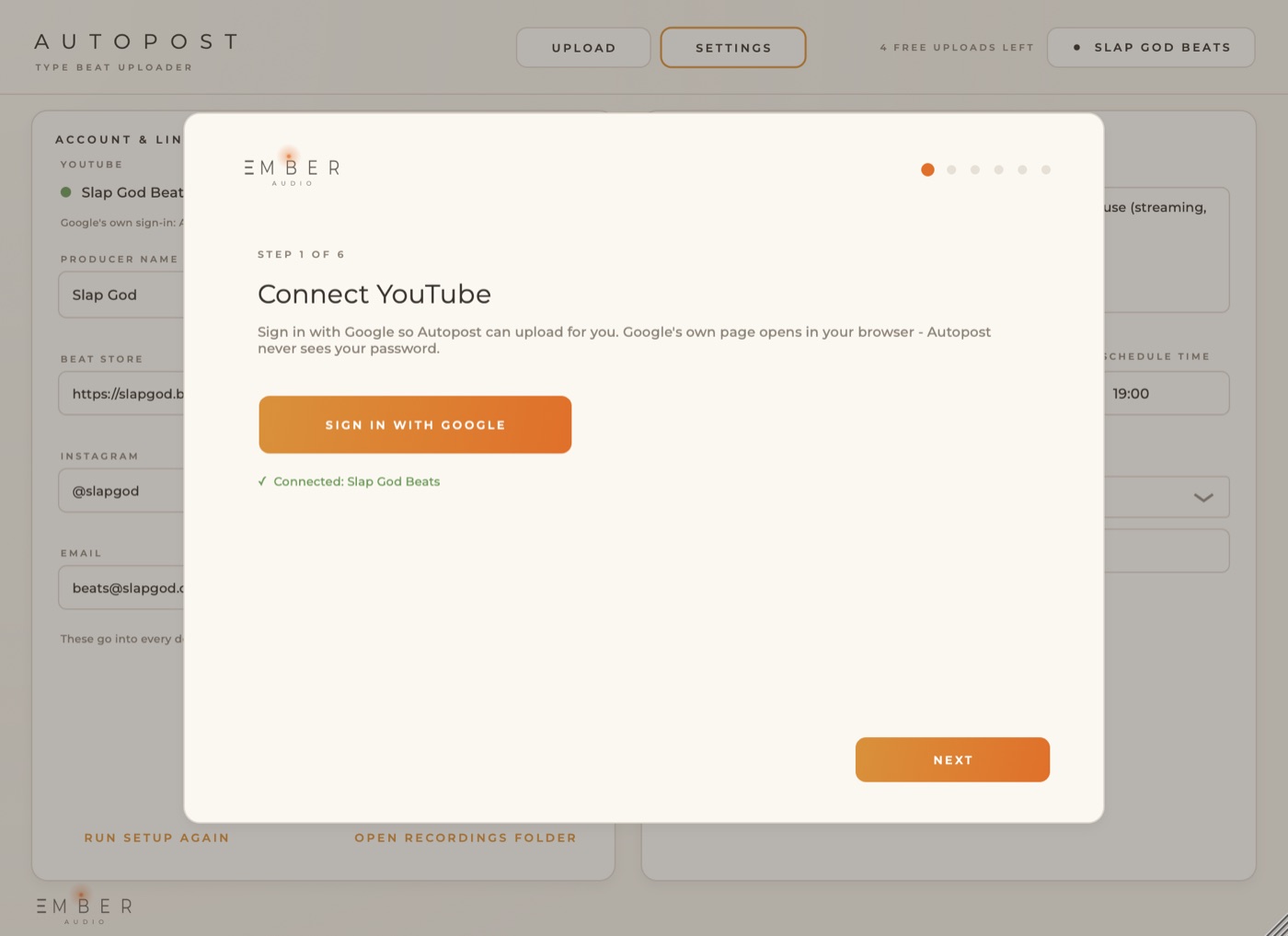
04 · Workflow Coming soon
Beat to YouTube in one click.
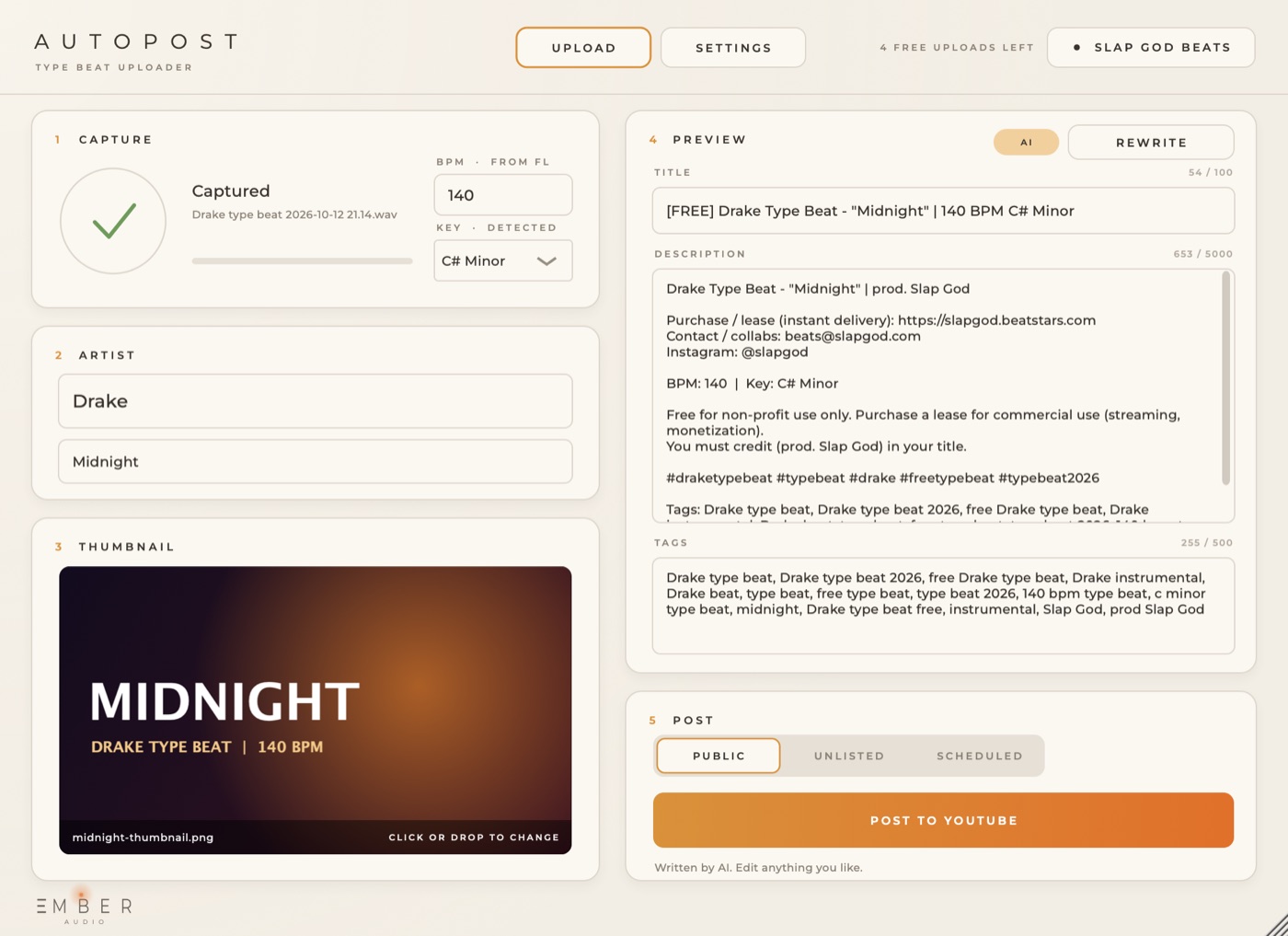
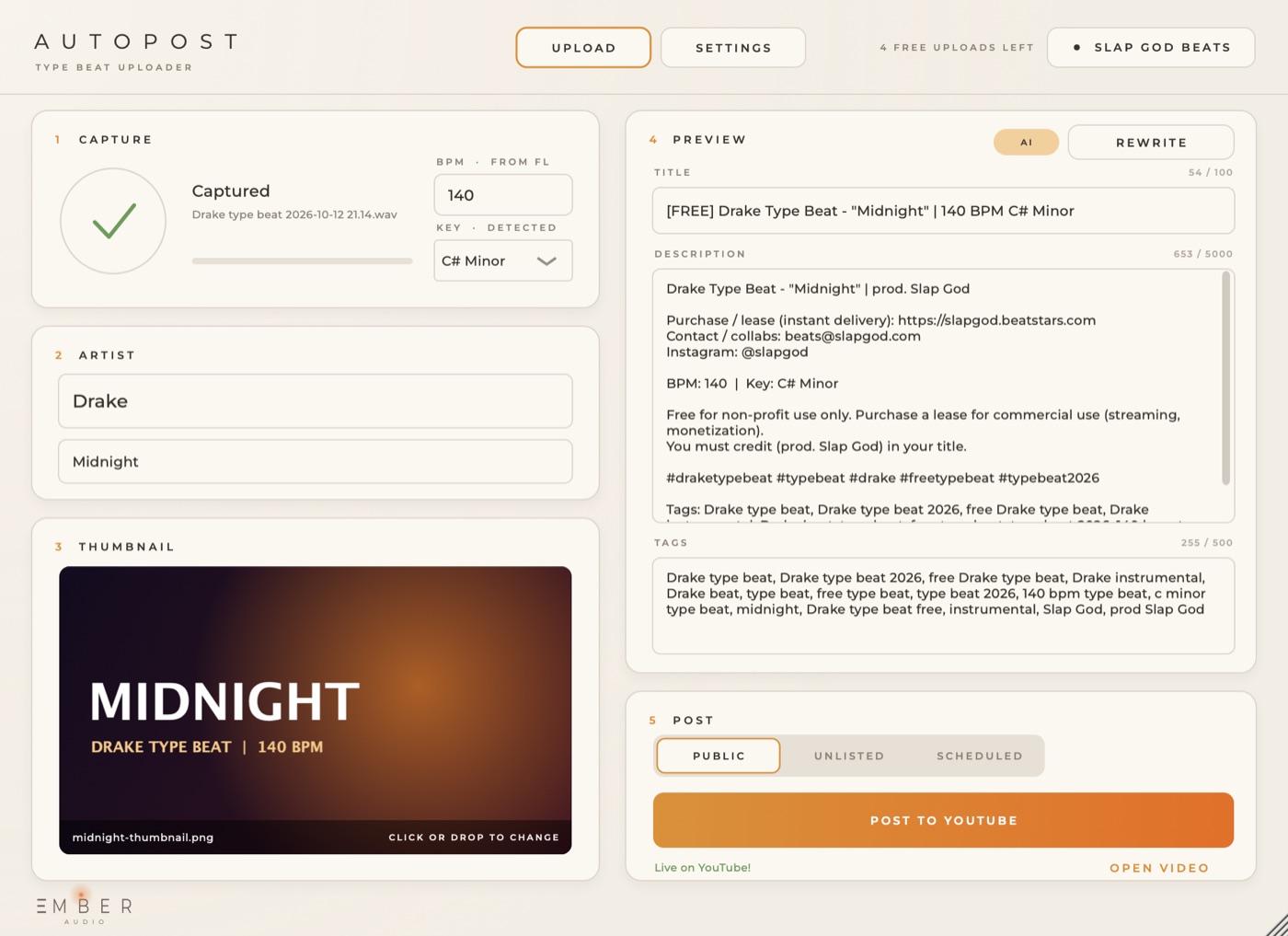
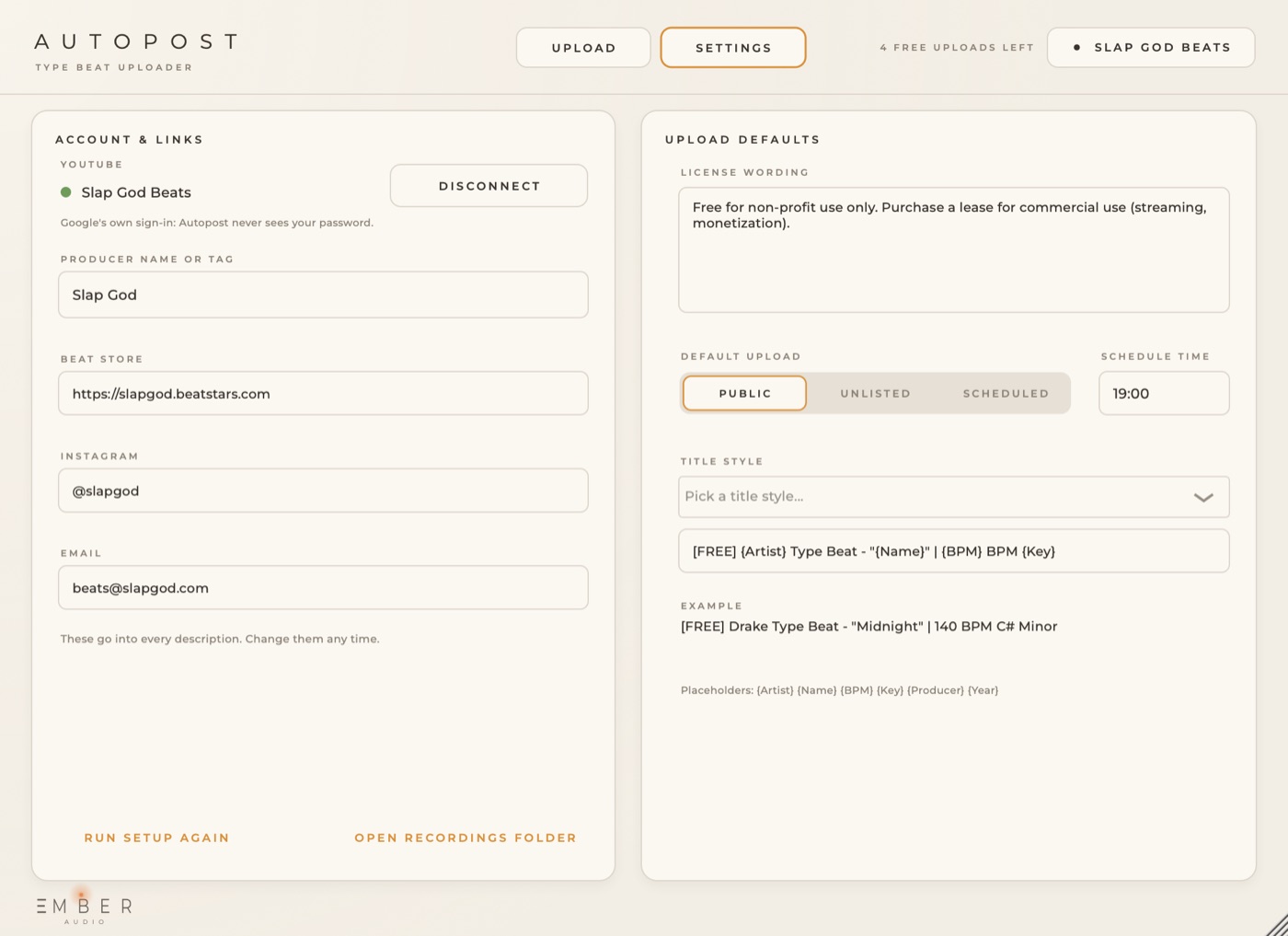
Posting type beats takes longer than making them. Autopost captures the beat, writes the title, description and tags, renders the video and uploads it to your channel.
Bundles
The Studio Kit is all three plugins for $10 more than Fracture on its own. Every bundle gets future updates and installs on 3 machines.
Prefer just one? Every plugin is sold on its own too.
Install
C:\Program Files\Common Files\VST3Stuck? Reply to your receipt email and we'll walk you through it.
FAQ
Anything else? Reply to any of our emails and you'll hear back from the person who made the plugins.
Anything that loads VST3 or AU: FL Studio, Ableton Live, Logic Pro, Studio One, Bitwig, Reaper and others.
Soon. It is waiting on YouTube's approval for uploads. Subscribe below and you'll get an email the day it opens, with free uploads to try it.
No. Every factory preset is level-matched to the dry signal and tested so it doesn't clip.
No. Audio passes straight through; it only listens. Put it on the master to see the whole mix.
Checkout runs on Stripe. After paying you land on a download page, and Stripe emails you a receipt.
Our Mac builds aren't notarized by Apple yet. Run the .pkg installer, and if macOS blocks it, open System Settings → Privacy & Security, scroll down and click Open Anyway. You only do this once.
Copy the .vst3 folder (for example Fracture.vst3) to C:\Program Files\Common Files\VST3. In FL Studio, open Options → Manage plugins and click Find installed plugins.
It listens for frequencies that stick out (sharp hats, nasal vocals, boxy low mids) and pulls them back only while they poke out. Leave it low on clean mixes, turn it up on harsh ones.
If you want Fracture, get the Studio Kit: it's $10 more and adds Lumen and Visualize. Mix & Master skips the video plugin, and the Creator Pack is Lumen plus Visualize for people who post a lot.
Newsletter
One email when something new comes out, plus free presets now and then.